
Collection of Equipment from Peripheral Stores
This is typically equipment for assessment which is still clean that isn’t required and can be put back to shelf for re-allocation.
Collecting equipment from a service user
- To cancel a peripheral store issue, select the highlighted icon on the right-hand side.
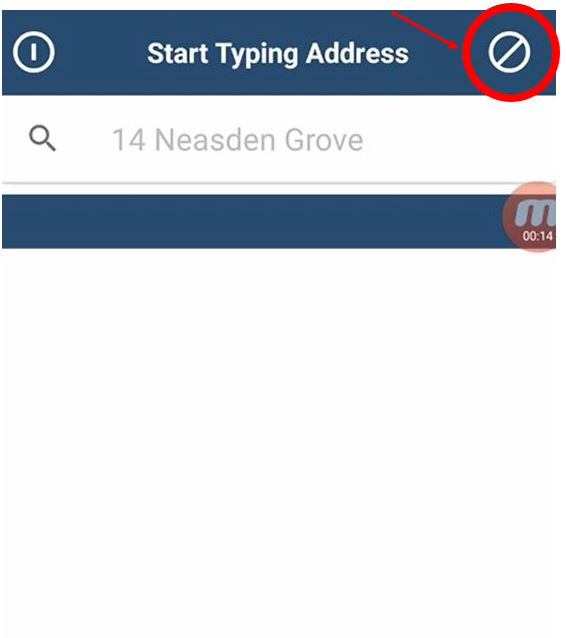
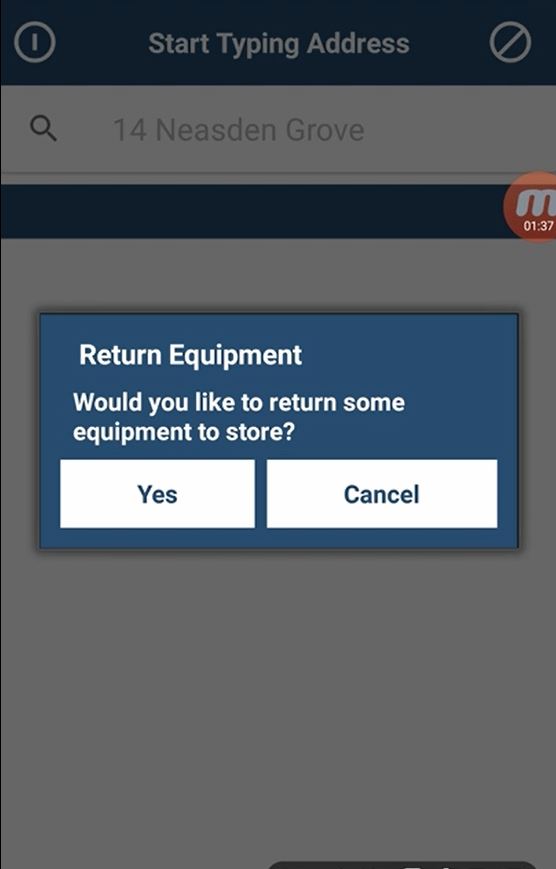
Once you have selected the icon all you need to do is confirm if you like to return the clean /unused equipment, back to the shelf location.
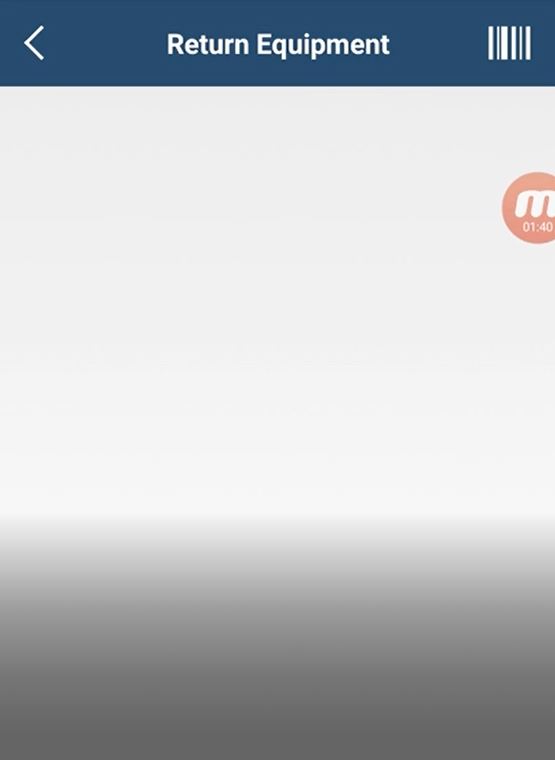
Select the icon in the right hand corner for scanning a barcode. Once you have selected this the camera will automatically appear enabling you to scan the barcode as needed.
- Once the item is scanned you will be asked can the equipment be re-issued?
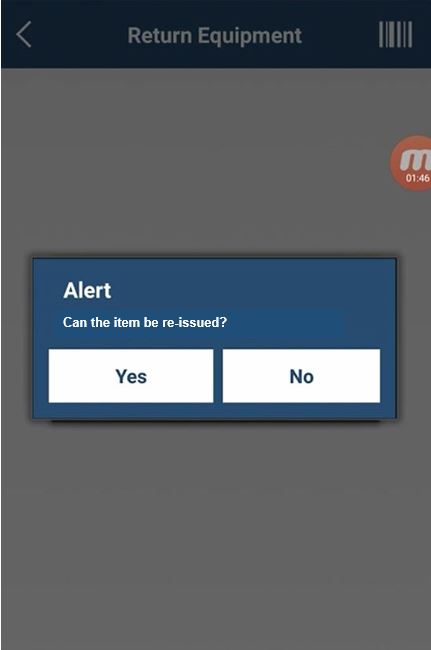
Now you can select the item in question and return this if needed.
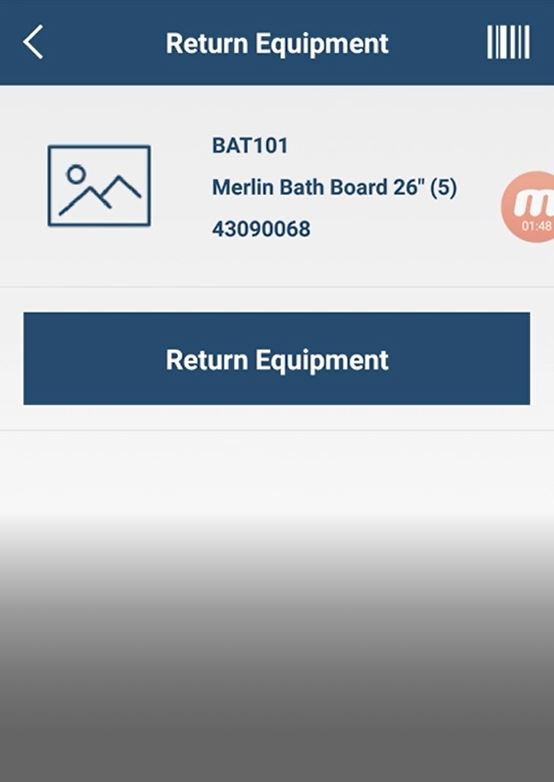
Now you can select the item and return this to the shelf location.
If the item is dirty or cannot be re-issued to another patient please do not choose this option. This should be collected and returned to Medequip as part of a collection order.
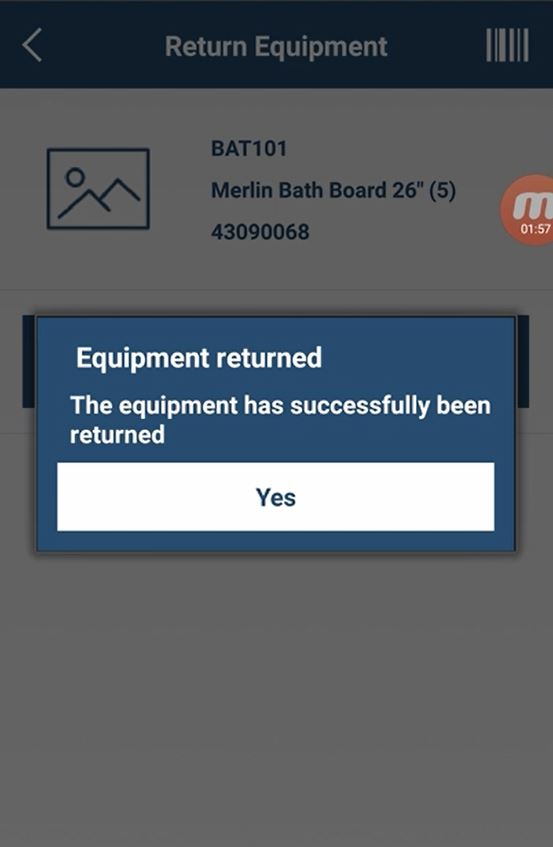
Once this has been completed you will be presented with a confirmation message. Now you have successfully returned a piece of equipment to the peripheral store
Updated over 6 years ago