
Completing a Service Inspection on a PPM
By Rhian Allen V1.0
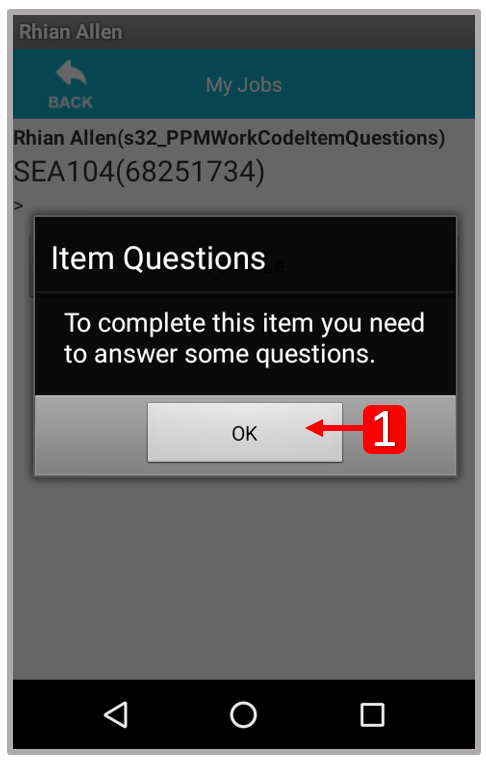
When completing a PPM on the scanner, technicians will now be required to complete the service sheet via the Mede Mobile app. Click Ok (1) to proceed to the questionnaire.
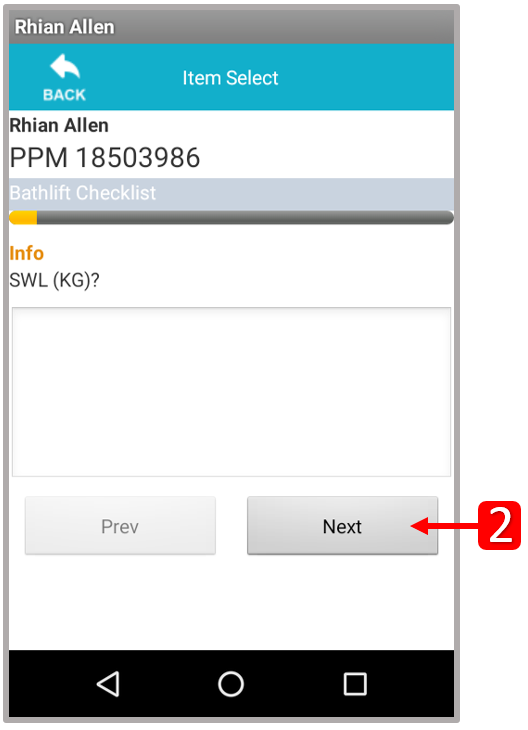
Enter the response relevant to the question being asked on the scanner. Click Next (2) to proceed.
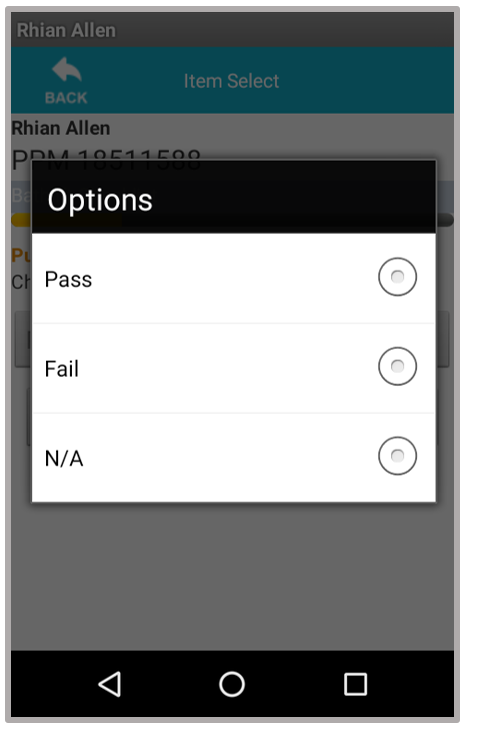
Select Pass, Fail or N/A from the drop-down list provided.
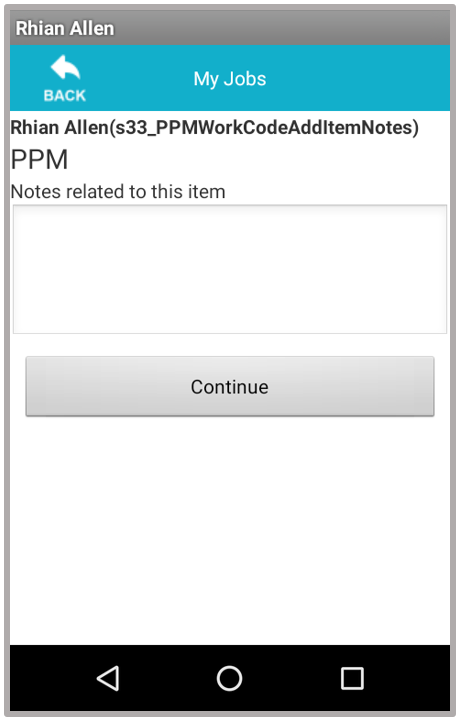
Once all questions have been answered, enter any notes related to the item and click Continue.
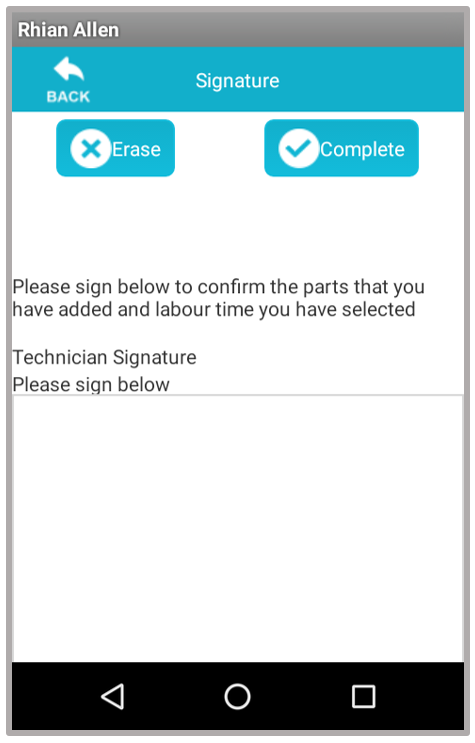
Sign in the Technician Signature box and click Continue to proceed.
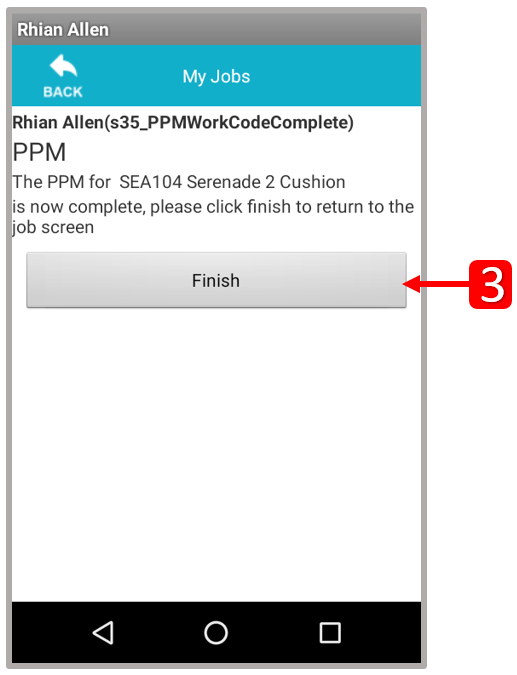
Click Finish (3).
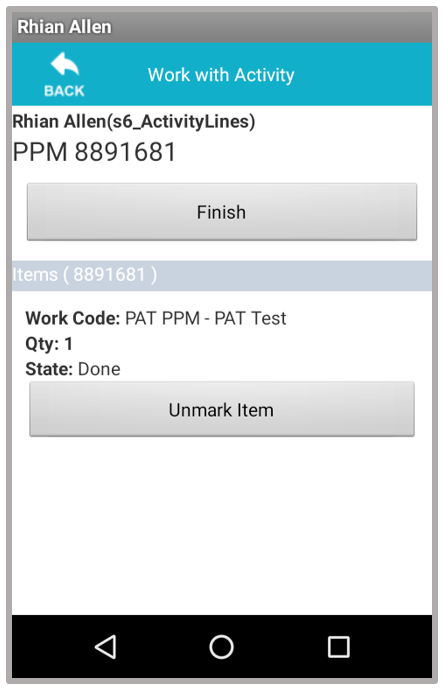
Click Finish.
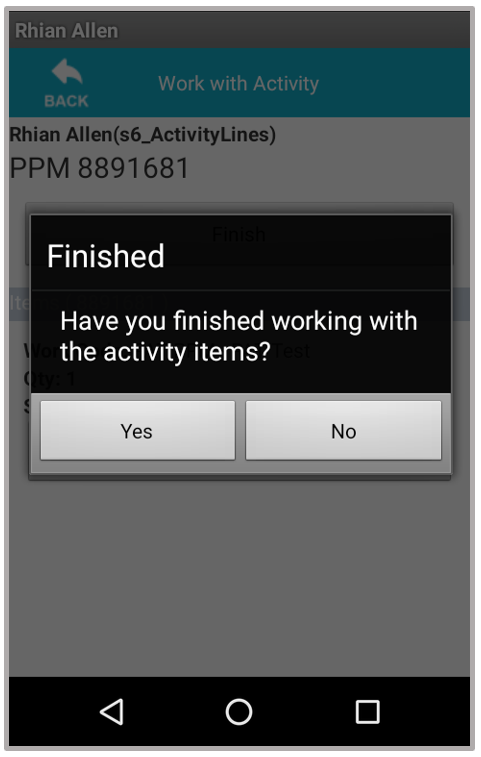
Confirm that the job is finished by clicking Yes.
Continue as normal, to complete the job on the scanner.
Updated about 6 years ago