
Service user order signing
This process will show you how to get a service user to sign for an order.
Please ensure you pass your scanner to the service user or representative to sign for the order they have received (Delivery, Repair, Collection, PPM, Minor Adaptation, Tech activity). At the point the service user hands you back your scanner, please ensure this decontaminated using the appropriate anti bacterial wipes.
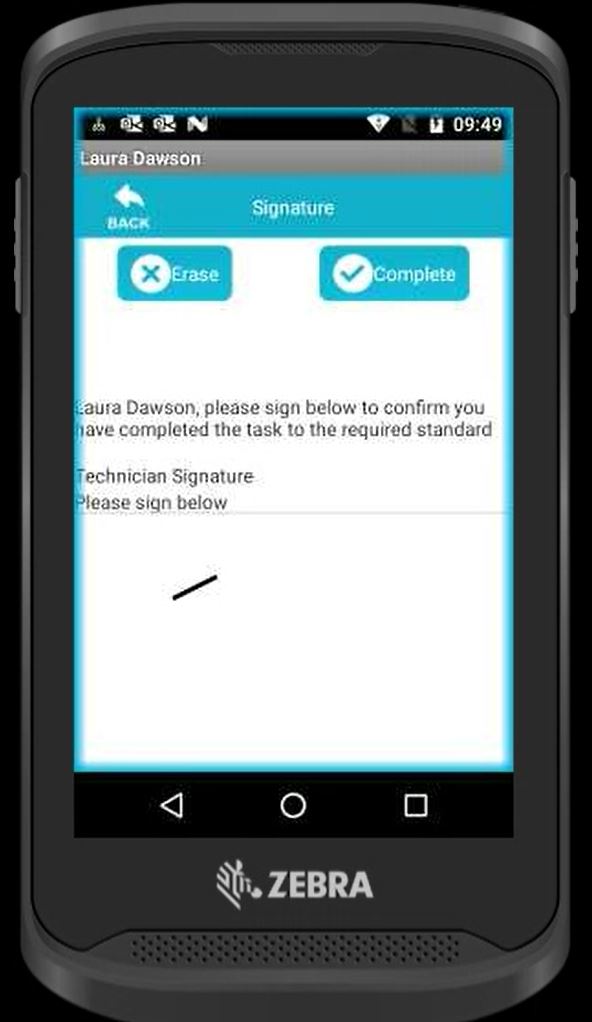
You must ensure your scanner is decontaminated, before passing this to another service user/ representative.
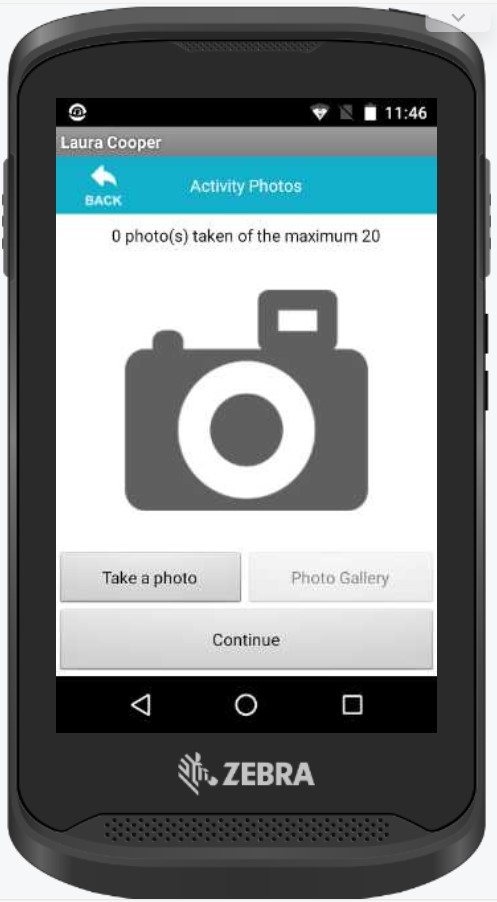
If the service user is unable to sign for the order, you must take an image of the item in situ. This option will be presented to you on the scanner at the end of each order.
Updated over 2 years ago