
Exchanging an item
This guide will show you how to exchange an item using the repair process.
Exchanging an item, when completing a repair.
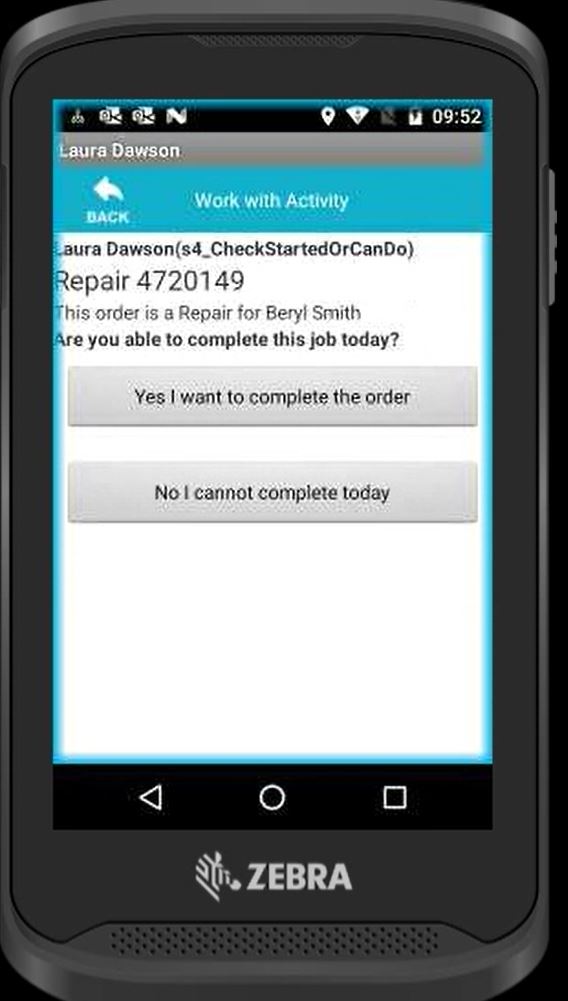
Once you have accepted the job on the TC25 scanner, you will be asked if you can complete the job today. By selecting "Yes I want to complete the order" will start the process of being able to exchange the item.
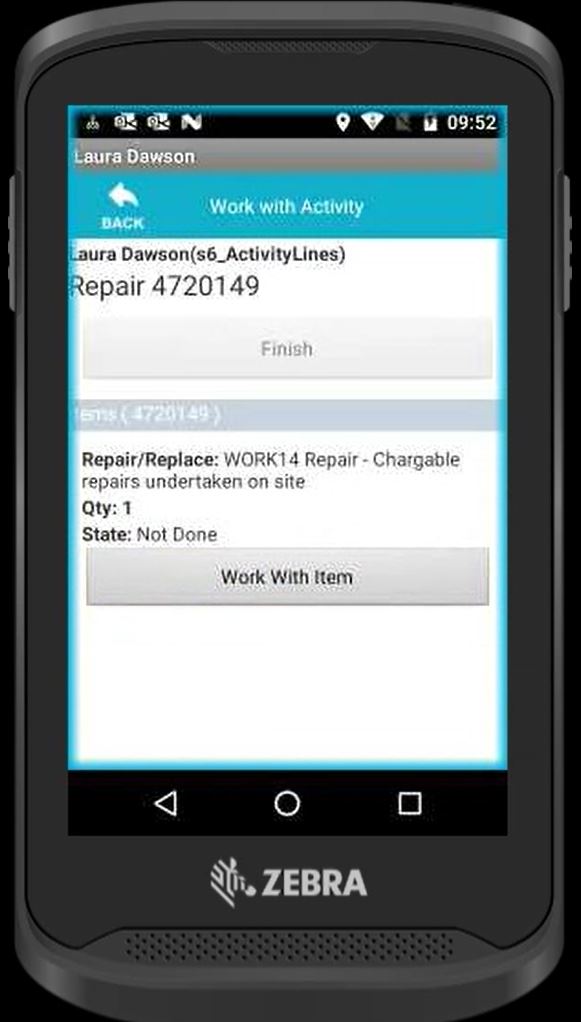
Now select to "Work With" the item.
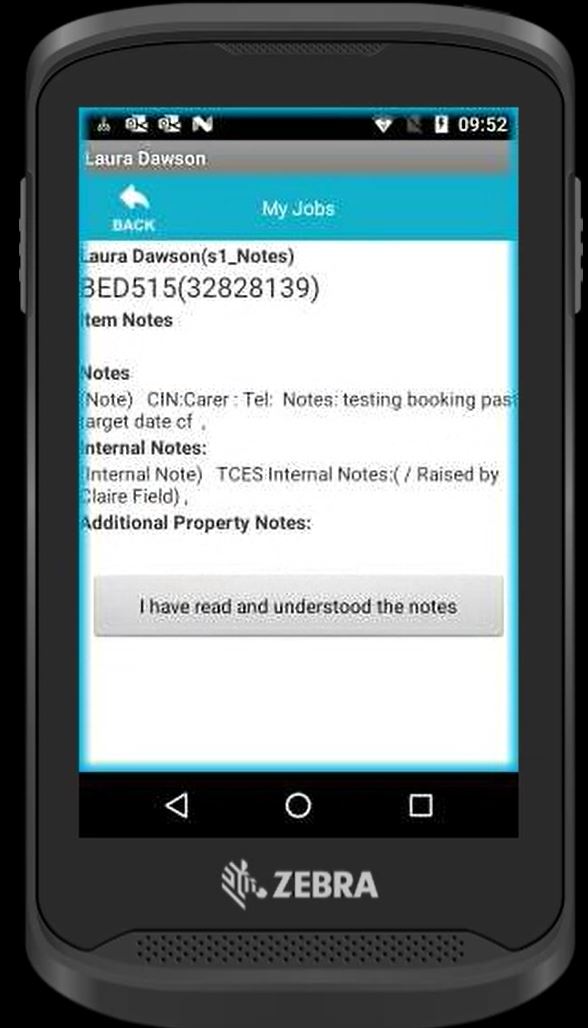
Fully read all notes and select "I have read and understood the notes".
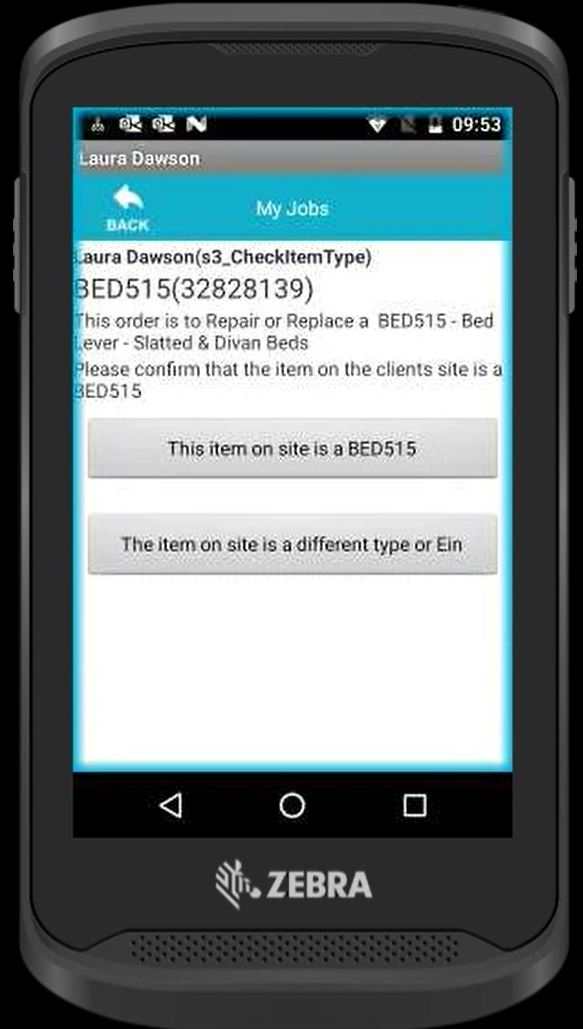
Select if the repair is for the correct item showing on site. If so select "The item on site is a BED515" in this example.
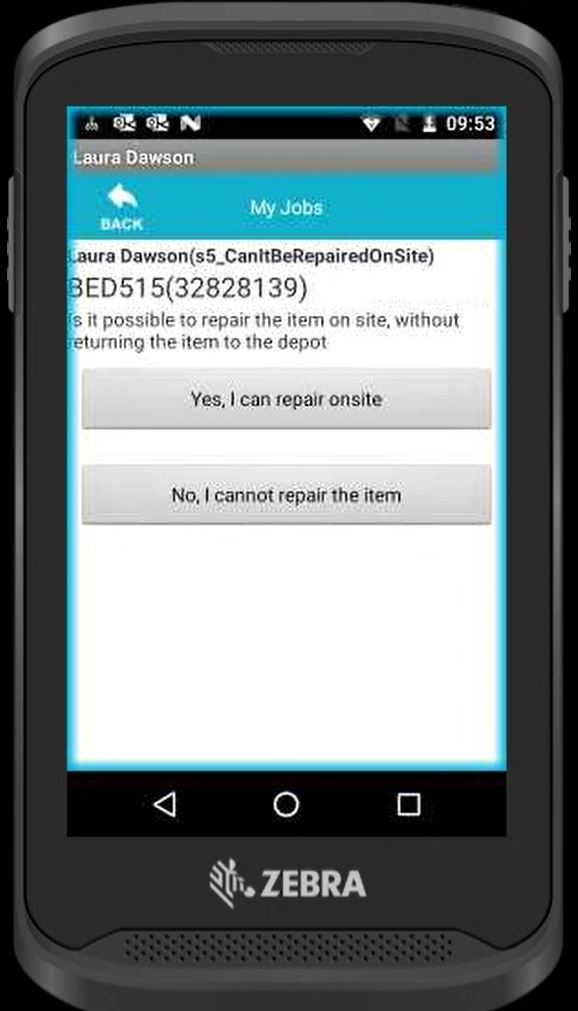
Select if you can complete the repair on the item. To complete an exchange, you need to select "No I cannot repair the item".
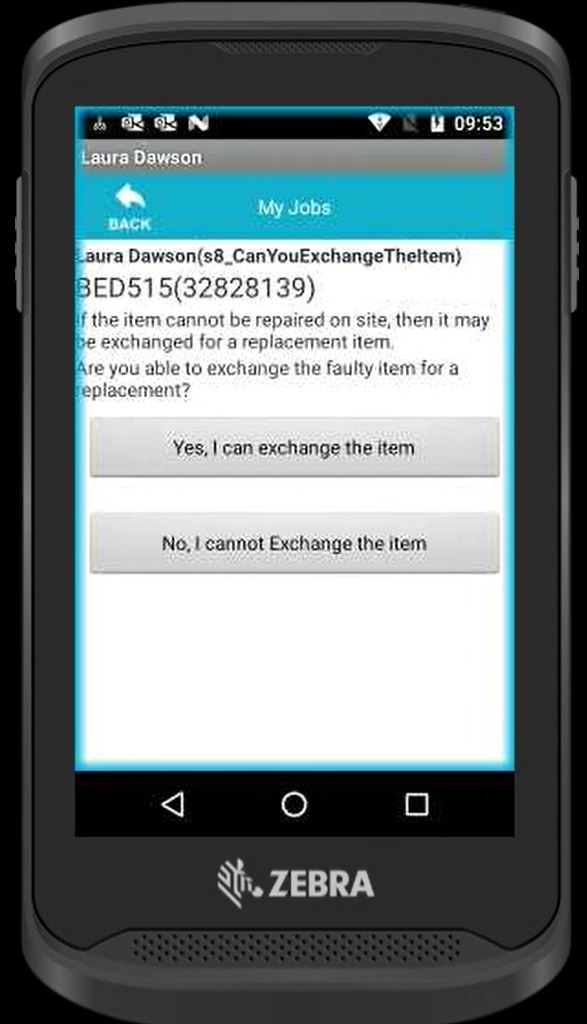
Then select "Yes, I can exchange the item".
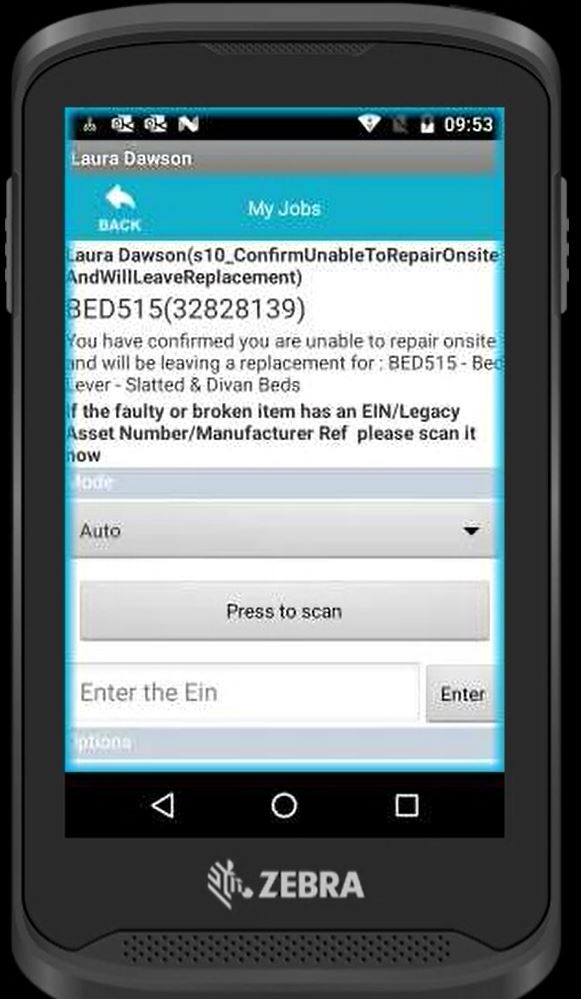
Scan or manually add the EIN of the item you are collecting as part of the repair.
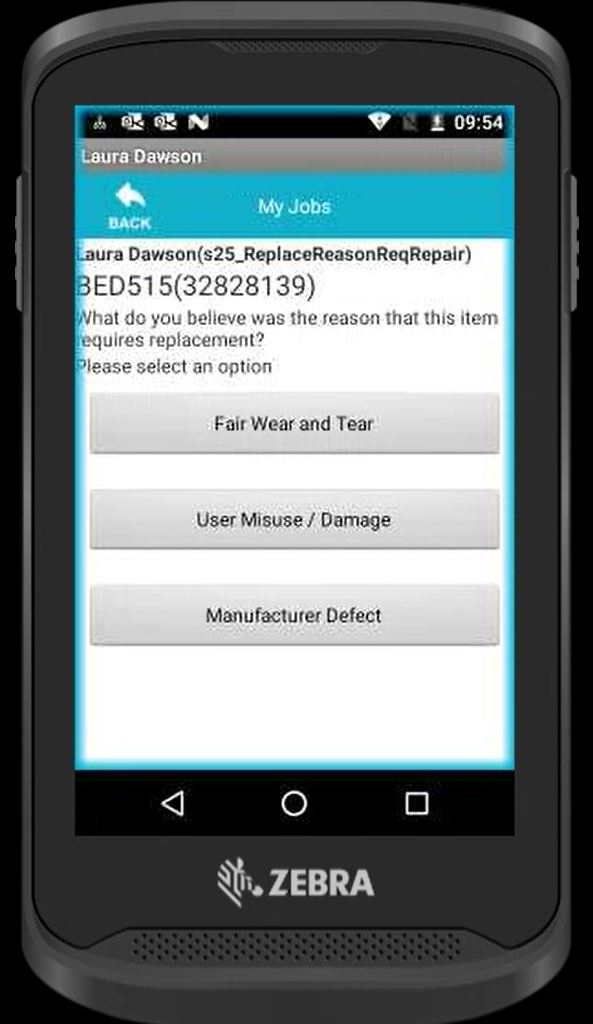
Select the reason as to why the item needs a repair/exchange.
Now scan the EIN of the new item you are leaving behind.
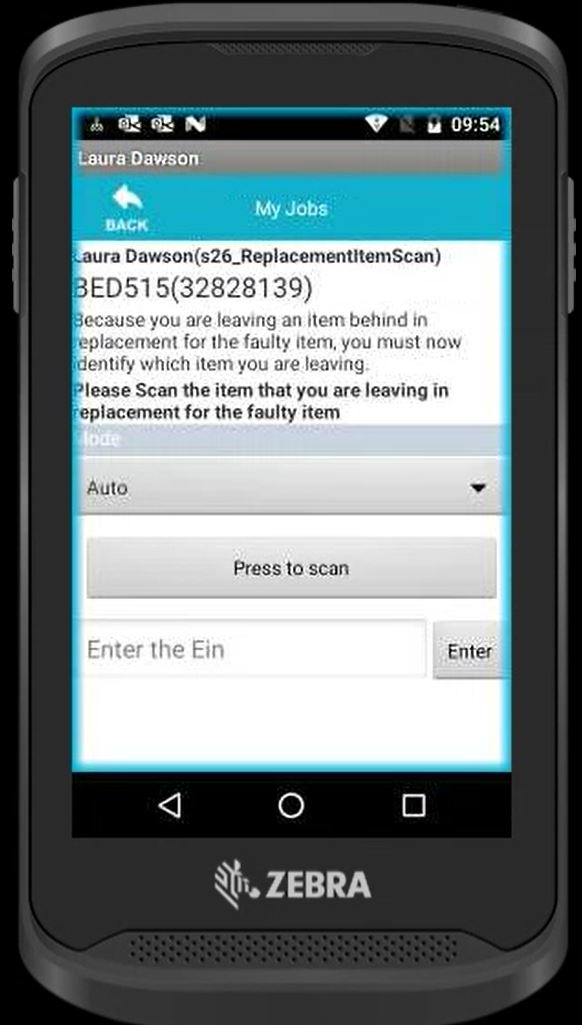
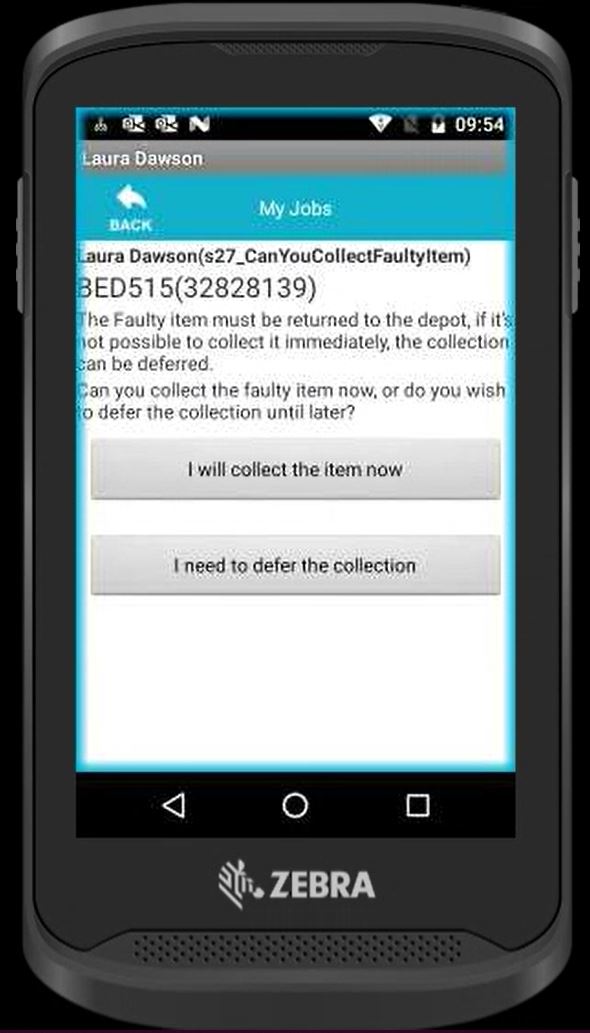
Select if you can take the broken/damaged item away with you. If you can select "I will collect the item now".
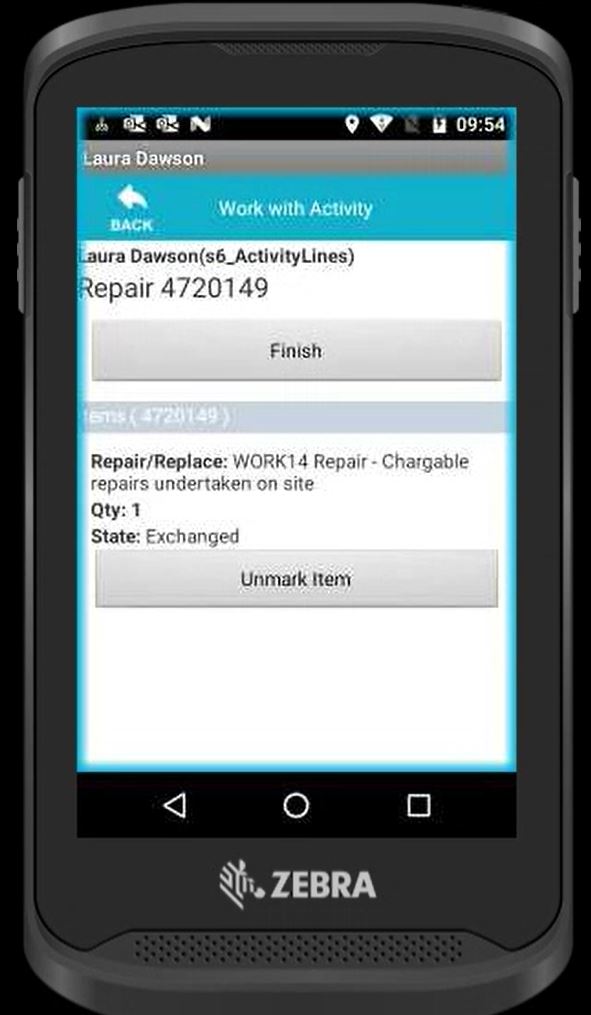
Now the EINS and item have been exchanged. You now select "Finish" to complete the job and go through the standard stages of closing this down.
Updated almost 6 years ago