
COVID-19 Scanner Reason Coding
How to reason code COVID-19 jobs via the TC25 scanners, this includes service user who have refused an order due to being symptomatic, self-isolating or hesitant to allow a technician to gain access to their property.
Firstly the job needs to be accepted on the scanner.
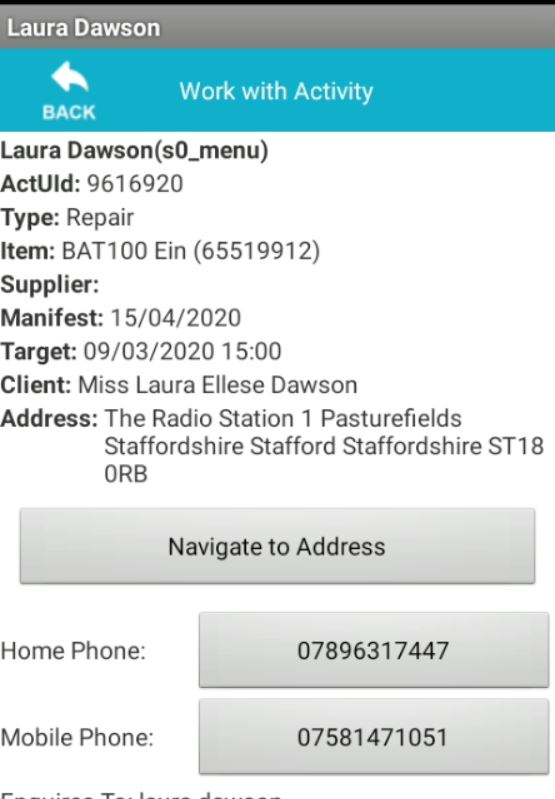
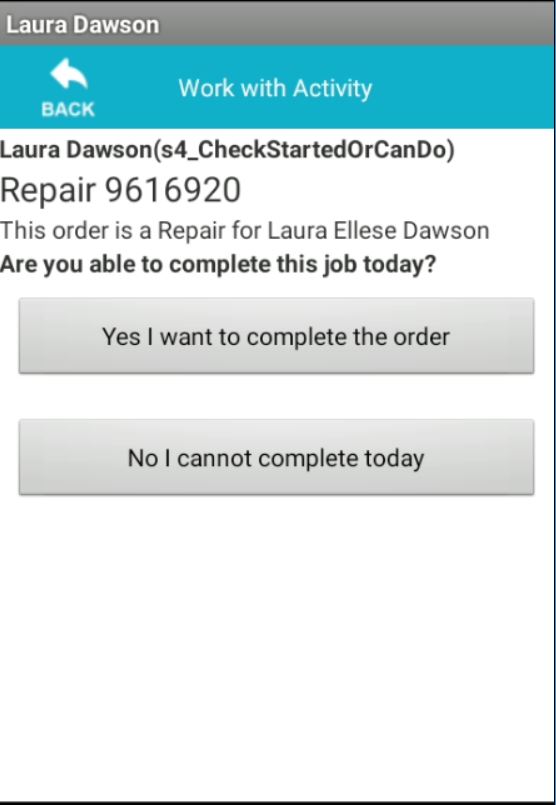
To apply the suitable COVID-19 reason code, you must follow the pathway "No I cannot complete today"
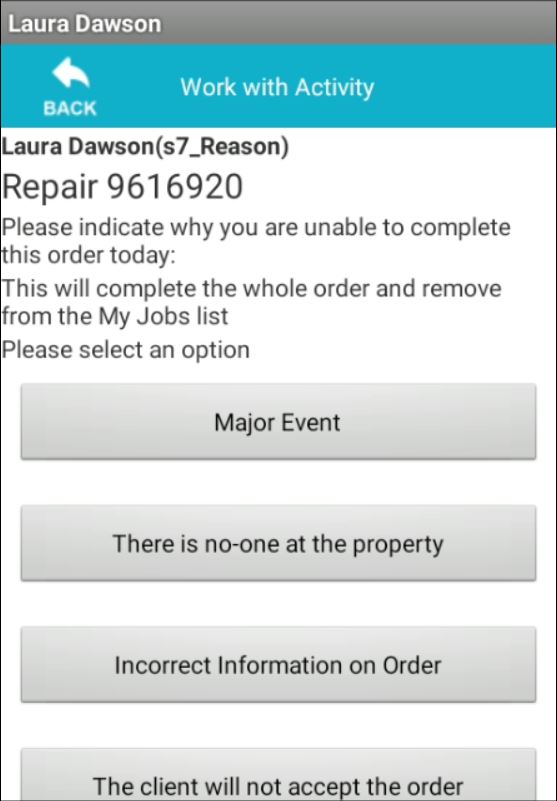
You will now be presented with a list of reason codes. If the service user is not allowing access to the property due to COVID-19 or concerns. Please select reason code "Major Event".
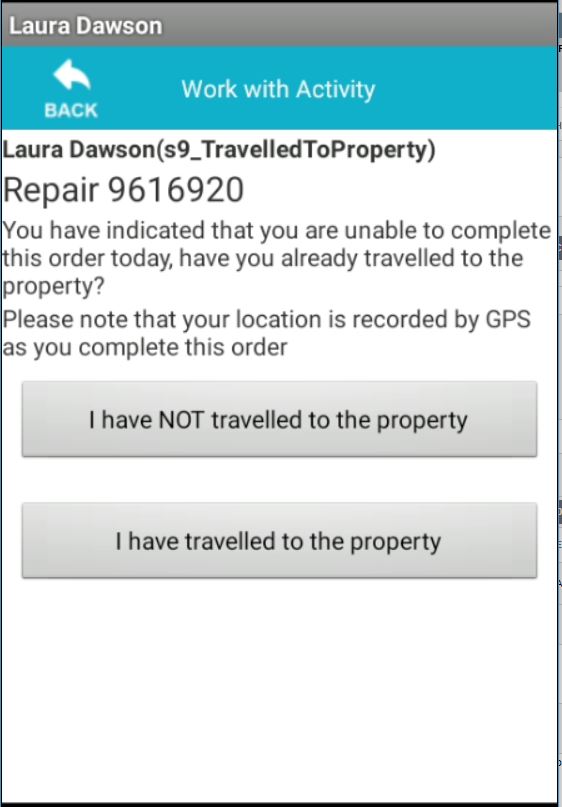
Select if you have travelled to the property or not.
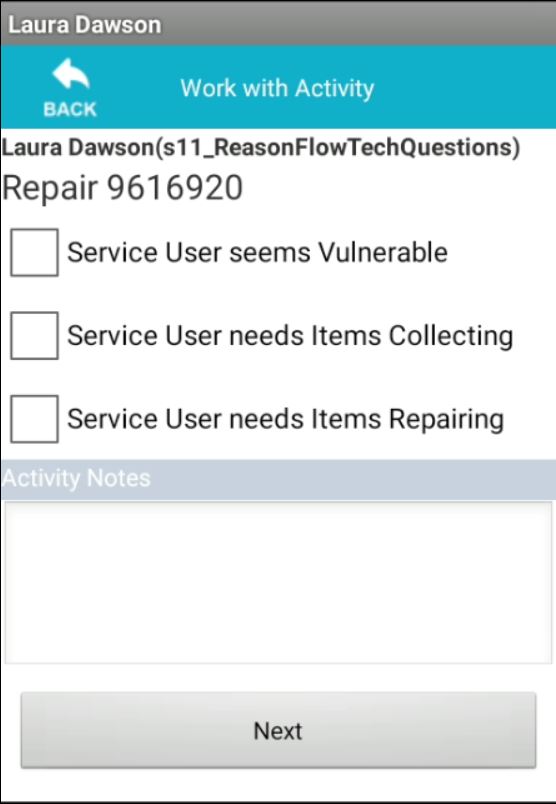
Finally add notes as to why you have not been able to complete the job. For example - Service user does not want to allow technician to enter the property due to COVID-19 concerns.
This job will now remain open on the system, allowing the technician to discuss further at the debrief stage.
Updated about 6 years ago